
Memory Cards, USB Drives & Portable Storage
Storage is one of those buys where the brand really does matter, because a cheap card that corrupts your photos is not a bargain. SanDisk dominates this category for a reason, and the ratings back it up across hundreds of thousands of buyers. What changes is the format you need: a USB stick for moving files, a microSD for a phone, dash cam or Switch, or a portable drive when you are backing up years of photos. Check the read/write speeds if you shoot video, and do not assume more capacity always costs proportionally more.


#3 · SanDisk SanDisk 128GB Extreme microSDXC card +SD adapter, microSD card
★4.7 (100,060)
Check price 




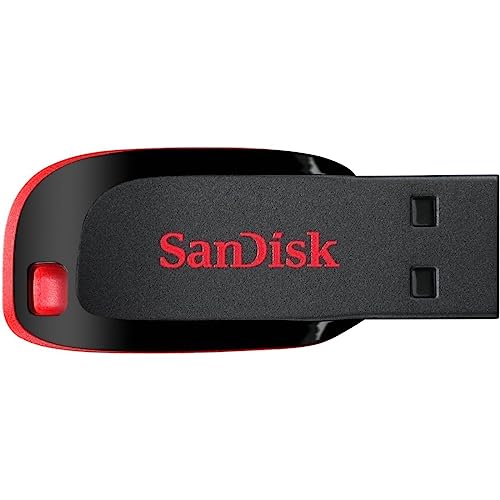


#13 · UnionSine UnionSine External Hard Drive 500GB Ultra Slim Portable Hard
★4.4 (51,057)
Check price 










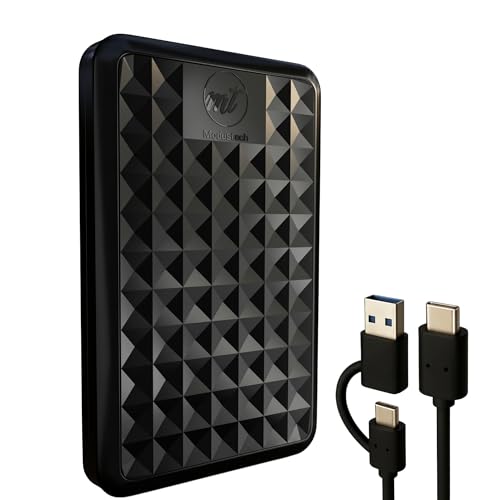
#28 · ModusTech ModusTech Facet 1TB External Hard Drive Portable USB-C/USB 3.1
★4.1 (2,630)
Check price 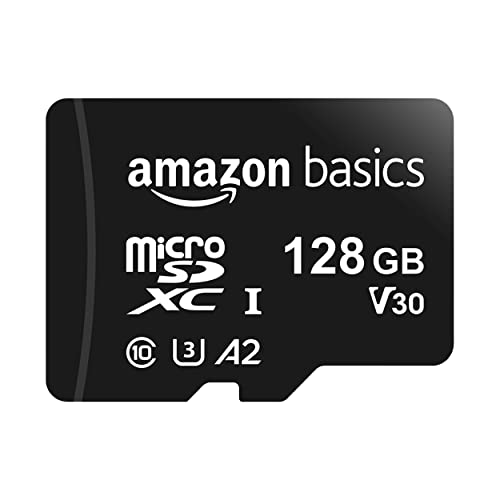
#29 · Amazon Basics Amazon Basics microSDXC Memory Card with Full Size Adapter, A2
★4.6 (96,291)
Check price 
#30 · Toshiba Toshiba Canvio Partner 2TB Portable 2.5’’ External Hard Drive
★4.5 (12,314)
Check price 


#35 · SanDisk SanDisk Extreme microSDXC card 64GB +SD adapter (microSD card
★4.7 (11,088)
Check price 

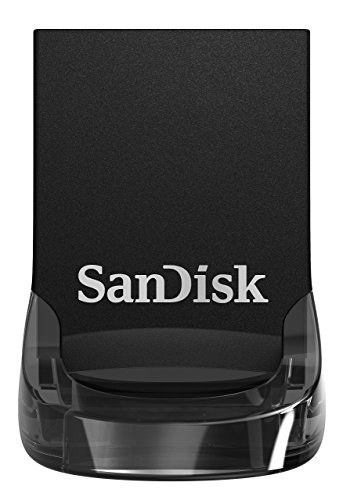


#40 · Western Digital Western Digital WD 2TB Elements AE Portable External Hard Drive
★4.4 (716)
Check price 



Common questions
How much storage do I actually need?
For documents and the odd photo, 64GB is plenty and cheap. For phone backups, 4K video or a games console, 128GB to 256GB is the sweet spot. Only go to 1TB and beyond if you are storing a full photo or video library.
Is a portable SSD worth it over a hard drive?
If you move it around a lot, yes. SSDs have no moving parts, survive being knocked, and are far faster. A spinning hard drive like the Seagate 2TB still wins on cost per terabyte if you just want cheap bulk backup that stays on a desk.
What do the speed numbers on SD cards mean?
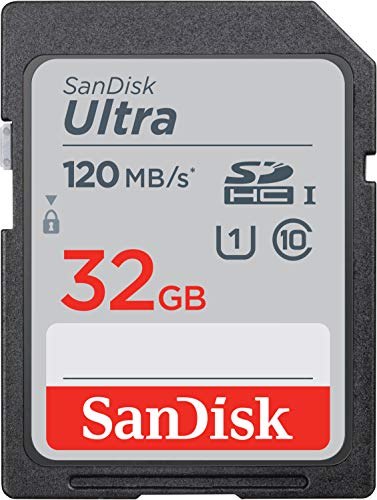
The MB/s figure is how fast it reads or writes. Higher matters for 4K video and burst photography. For everyday phone use almost any modern Ultra-class card is fast enough, so do not overpay for headline speeds you will never use.